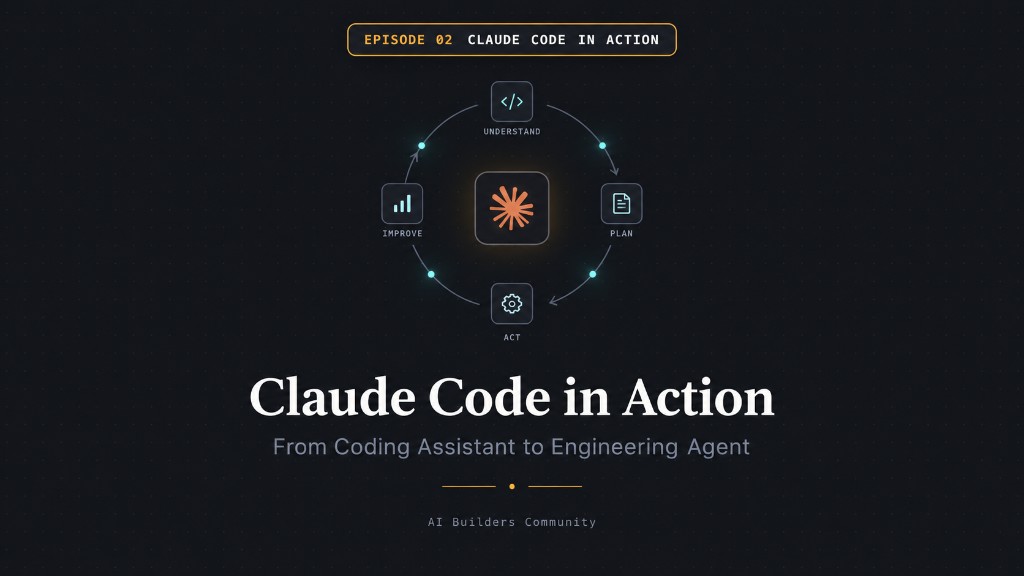
Every team is about to have coding agents.
Very few will actually know how to use one well.
You'll sit through a dozen more "AI coding assistant" demos this year.
This one is different — we're going to open Claude Code up and see what's actually inside it.
This is not a Claude Code tutorial.
It's a walkthrough of what makes something an agent — using one real project, the whole way through.
- Explore — Claude joins an unfamiliar repo
- Teach — turn a repeated instruction into a Skill
- Delegate — hand off a piece to a subagent
- Transform — the same idea, no code, for anyone
Last time, we learned what makes something an agent.
to inspect each step
So... is Claude Code actually an agent?
Ten agent concepts. Click to find each one in Claude Code.
What makes a coding agent different from a coding assistant?
Traditional assistant
You ask
↓
It answers with code
↓
You copy, paste, and hope
Coding agent
You give a goal
↓ it explores
↓ uses tools
↓ changes files
↓ runs commands
↓ sees results
↓ corrects itself
↓ continues
ChatGPT could already write code. The difference is Claude Code has an environment and a loop to run it in.
We already have Codex, Cursor, Replit… so why Claude Code?
Not because it is the only useful tool — but because it makes the coding-agent model especially clear and practical.
Not “the only tool.” A very good tool for understanding and practicing agentic software engineering.
If we opened Claude Code, which pieces would you inspect first?
These are the core pieces inside Claude Code. Click any one to open a full-screen breakdown.
Anatomy of a Claude Code agent
We do not just write prompts anymore. We build loops.
A prompt gives one instruction. A loop gives the agent a goal, the ability to observe reality, take action, inspect the result, and continue until the job is actually done.
Prompt → answer. Loop → outcome.
Your doctor has a patient file. Your lawyer has a case file.
You don't restart the entire story on every visit. The important context is already there.
👨⚕️ Doctor / ⚖️ Lawyer
- history & important facts
- constraints / allergies / risks
- previous decisions
- today's new problem
🤖 Claude Code
- project architecture
- conventions & constraints
- important commands / decisions
- today's task
Today's prompt should describe today's problem — not re-explain your entire world.
Think of my father as the base model.
A Skill is a reusable playbook. He knows a lot. But the job decides which procedure he follows. Click any box.
general capability
Dad didn't become a different person. He loaded the right procedure for the job.
Mom could give Dad the 15-step dishwashing instructions every single night.
But why repeat those instructions every time?
- Collect dishes
- Scrape leftovers
- Wash
- Rinse
- Dry
- Put away
If you keep giving Claude the same instructions for code review, testing, or release notes — that's a candidate for a Skill.
One family, every Claude Code concept.
Okay. Enough features.
You don't need to memorize every command today.
I'll share a Claude Code cheat sheet and a best-practices guide after this session — commands, conventions, and what to avoid.
You now know enough to use the tool. The real question is: what can we get out of it?
Claude is joining JobTrack today.
- Explore the repo — explain, don't change anything
- Run /init — generate CLAUDE.md, review it together
- Ask Claude what it still doesn't understand — review the gaps together
- Give it one small real task: plan → change → test → inspect
Goal → explore → reason → edit → test → observe → adjust. The Episode 1 loop, live.
Let's teach JobTrack a repeatable capability.
- Understand the requested change and affected components
- Check existing project conventions before suggesting anything
- Identify risks, edge cases, and missing tests
- Flag security / auth / data concerns
- Run relevant validation and summarize findings
We just took knowledge that lived in a prompt and turned it into a reusable capability. Not n8n. Not LangChain. Just instructions + tools + context + loop.
Claude Code operates on files, tools, and goals — not only code.
├── resume/
├── applications/
├── CLAUDE.md
└── job-search skill
Same project, same goal — Claude tracks applications and drafts follow-ups. No repo required.
├── prospects/
├── outreach/
├── CLAUDE.md
└── enrichment skill
Enrich a prospect list and score it against an ICP — without manually repeating the same research steps for every prospect.
├── exports/
├── reports/
├── CLAUDE.md
└── analytics skill
Pull raw analytics into a formatted spreadsheet — with the same formatting and analysis process each time.
├── recordings/
├── notes/
├── CLAUDE.md
└── pattern-finding skill
Feed in meeting recordings, ask what patterns keep showing up.
├── inbox/
├── permanent/
├── CLAUDE.md
└── note-linking skill
A single vault Claude reads every session — decisions, notes, and context, organized as you go.
Three directions worth watching
Move from an ephemeral prompt toward durable artifacts humans and agents can review together.
The “case file” idea expands beyond one repo: a durable workspace the agent can search, update, and work from over time.
Specialized agents investigate or execute in parallel, then report back to a coordinating agent or human.
Episode 1: we learned what an agent is. Episode 2: we gave one a real working environment.
Claude Code isn't just about writing code. It's a harness for giving an AI agent a workspace, context, capabilities, and autonomy.
Don't leave today thinking you need to learn every command. Leave thinking about what work you could give an agent — if it had your context, your tools, and your way of working.